
How to delete your account?
To permanantely delete your account and all your data uploaded to Transkribus, please follow these steps:
Please make sure to cancel any running subscriptions before deleting your account.
- Click on "Settings" in the lower left corner of your screen.
- Then click on "Account". You will be redirected to your Transkribus Account Management page.
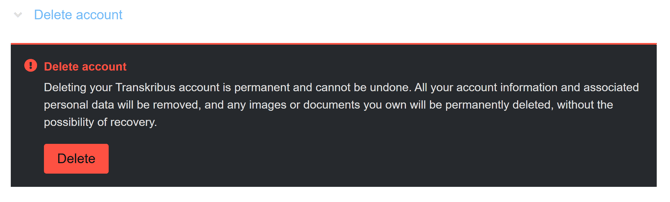
- Under "Personal info" you can look for the option "Delete account". Here you can click on "Delete" to permanently delete all your account information and associated personal data from Transkribus.
If you have any further questions regarding the deletion of your account and data you can contact our Support Team here: Contact Us
If you do not wish to delete your Transkribus account but only cancel your ongoing subscription, please have a look at this article: How do I cancel my subscription?